.png?width=1536&height=1024&name=What%20Is%20a%20CRM%2c%20Actually%3F%20(And%20the%20Signs%20Youve%20Outgrown%20Yours).png)
CRM gets thrown around as shorthand for "the software where we keep our contacts." That's not wrong, exactly, but it undersells what the system is actually supposed to do — and it's part of why so many CRMs end up underused, half-adopted, or quietly abandoned in favor of a spreadsheet within a year or two of being purchased.
What a CRM Actually Is
A CRM is more than a contact database or a system of record. Done right, it's the thing that shapes every interaction a customer has with your business — the first form fill, the sales conversation, the onboarding email, the support ticket eighteen months later. HubSpot's own knowledge base describes it as a single source of truth that helps a business track and nurture relationships with customers and prospects, automate repetitive tasks, streamline workflows, and generate actionable insights from customer data. That's a fair definition, but the operative phrase is "single source of truth" — because a CRM that isn't actually functioning as one is really just an expensive spreadsheet with a login screen.
Whether you're buying a CRM for the first time or moving off a legacy system, the same test applies: does it actually reflect how your business operates and what your customers need, while still being something you can grow into over the next few years? A CRM that only fits the business you are today, with no room for what you're becoming, is going to need to be rebuilt sooner than you'd like — and rebuilding a CRM with years of accumulated data and habits baked into it is a meaningfully bigger project than setting one up right the first time.
What the Data Says About a CRM's Actual Impact
It's worth separating "does a CRM help" from "which CRM should I buy," because the data on the first question is pretty consistent across the industry, independent of any one vendor's marketing.
Nucleus Research, an analyst firm that has tracked CRM return on investment for years, currently estimates the average return at roughly $3.10 for every $1 spent on CRM software — and attributes just over half of that return (51%) specifically to productivity and process-efficiency gains, not to flashier metrics like lead volume. Separately, Salesforce's State of Sales research reports that sales teams using a CRM close approximately 26% more deals on average than teams without one, alongside a 29% increase in overall sales revenue and a 42% improvement in forecast accuracy.
Two things are worth noticing in that data. First, the biggest driver of ROI isn't more leads or flashier reporting — it's operational efficiency, teams spending less time on manual, repetitive work because the system is actually doing what it's supposed to. Second, none of those numbers are HubSpot-specific. They describe what a properly adopted CRM does for a business, in general. Which means the CRM software itself is only ever half the equation. The other half — the part that determines whether you land near the top of that range or the bottom of it — is whether the system was actually built to match how your business runs.
The Signs You're Due for a Change
Not every business needs a new CRM. Plenty of businesses need the one they have set up properly for the first time. Either way, a few patterns tend to show up right before someone starts looking, and they're worth taking seriously the first time they appear, not the fifth.
Your teams operate from multiple sources of truth. Marketing has a list. Sales has a different list. Someone's tracking deals in a spreadsheet because the CRM's pipeline "doesn't really work for us." When there's no single record everyone trusts, every conversation about performance turns into an argument about whose numbers are right, and leadership ends up making decisions based on whichever version of the truth happened to get pulled for the meeting. This is usually the earliest warning sign, and also the easiest one to explain away — "we'll clean it up next quarter" is a sentence a lot of businesses have said for several years running.
Your teams rely on manual reporting. If getting a straight answer about pipeline, lead volume, or ticket backlog means someone has to open three tools and stitch together a spreadsheet, the system isn't actually doing its job — a person is doing the system's job, by hand, on a deadline, usually the same person, usually every single week. That's not just an efficiency problem. It's a risk problem: the moment that person is out sick or leaves the company, nobody else knows how the numbers actually get produced.
Your sales, marketing, and service teams work in silos. Marketing hands off a "lead," sales has no idea why that person was ever contacted, and service has no visibility into what was promised during the sales process. Everyone's using the same software, technically, but nobody's actually working from the same information. This is the silo problem that a CRM is specifically supposed to solve, and when it shows up anyway, it's almost always a sign the system was configured around each team's individual workflow rather than the customer's actual journey across all three.
You've identified gaps or inconsistencies in your reports. Numbers that don't add up between two dashboards. Metrics that change depending on who pulled the report. A close rate that looks different in the CRM than it does in the spreadsheet finance uses for forecasting. If you've caught yourself not fully trusting your own reporting, that's usually not a one-time fluke — it's a data quality problem that's been building for a while, quietly, underneath reports that still look clean on the surface.
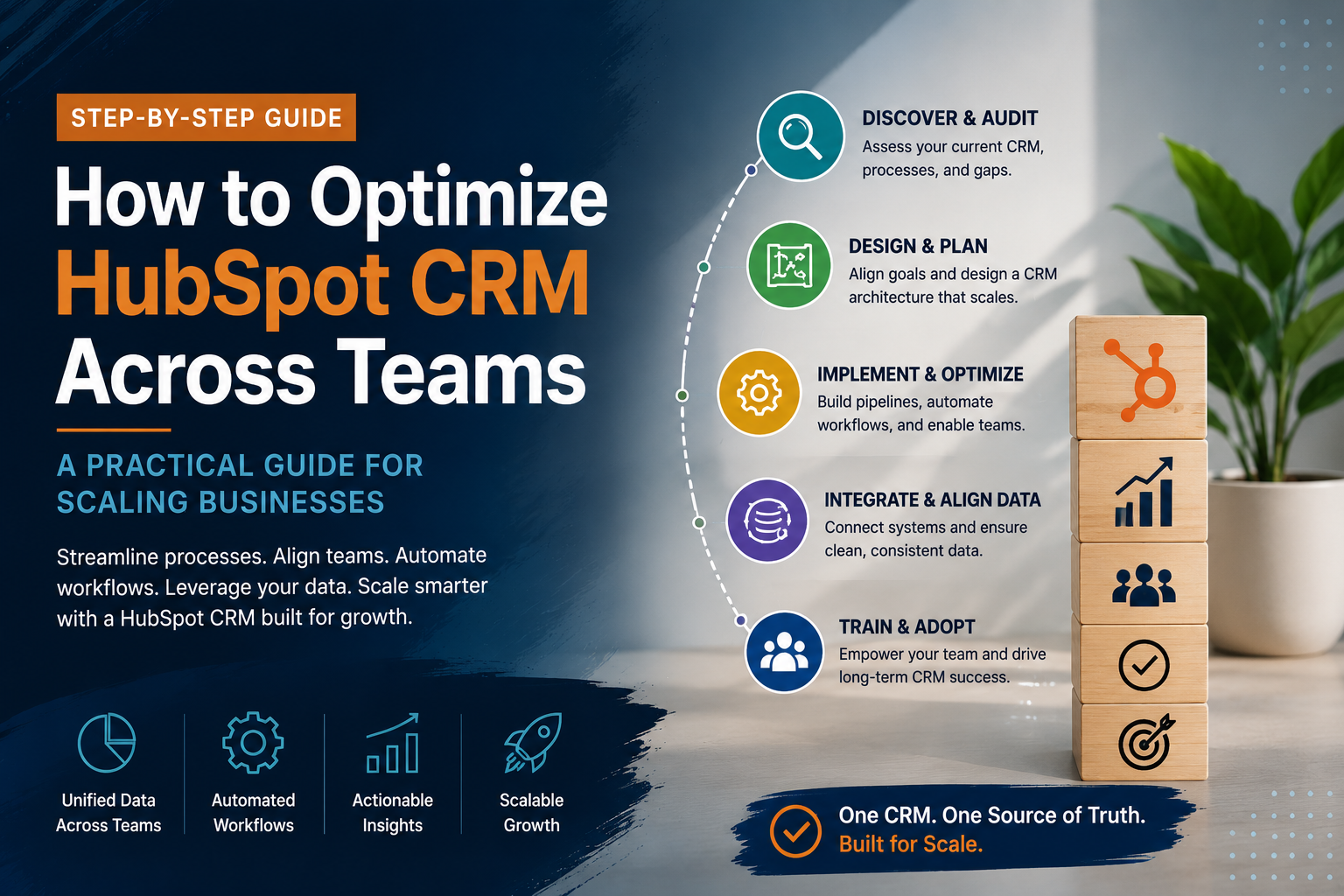
If two or more of these sound familiar, the issue usually isn't that you need different software. It's that the system underneath the software — the data model, the process, the definitions everyone's supposed to be using — was never really built out in the first place. That distinction matters a lot, because it changes what the actual fix looks like: it's rarely "switch platforms" and much more often "rebuild the foundation on the platform you already have."
What Happens If These Signs Get Ignored
None of the four signs above tend to resolve themselves. Left alone, multiple sources of truth become entrenched habits — teams build their own workarounds, and those workarounds become "how we've always done it," which makes the eventual fix bigger and more disruptive than it would have been a year earlier. Manual reporting processes calcify into someone's unofficial job description. And the trust gap in the data compounds: once leadership stops fully believing the CRM's numbers, they start making decisions off gut feel and side channels instead, which is precisely the outcome a CRM was purchased to prevent in the first place.
The good news is that none of this requires starting over. In the overwhelming majority of the accounts we've looked at, the platform itself wasn't the problem — the data architecture underneath it was. Fixing that doesn't mean ripping out HubSpot, or Salesforce, or whatever's currently in place. It means going back to the data model, the lifecycle stages, and the pipeline logic, and building them to actually match how the business runs today.
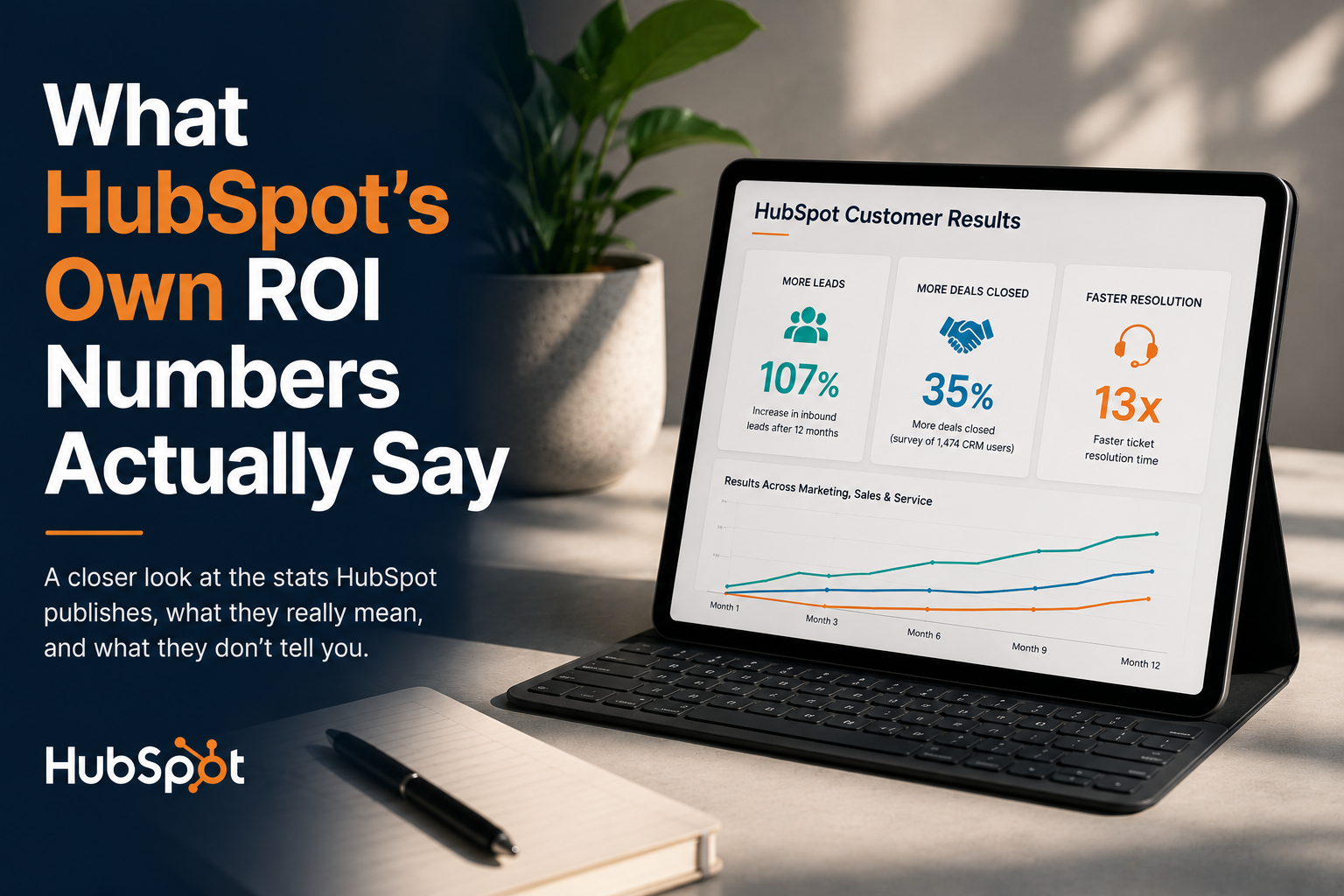
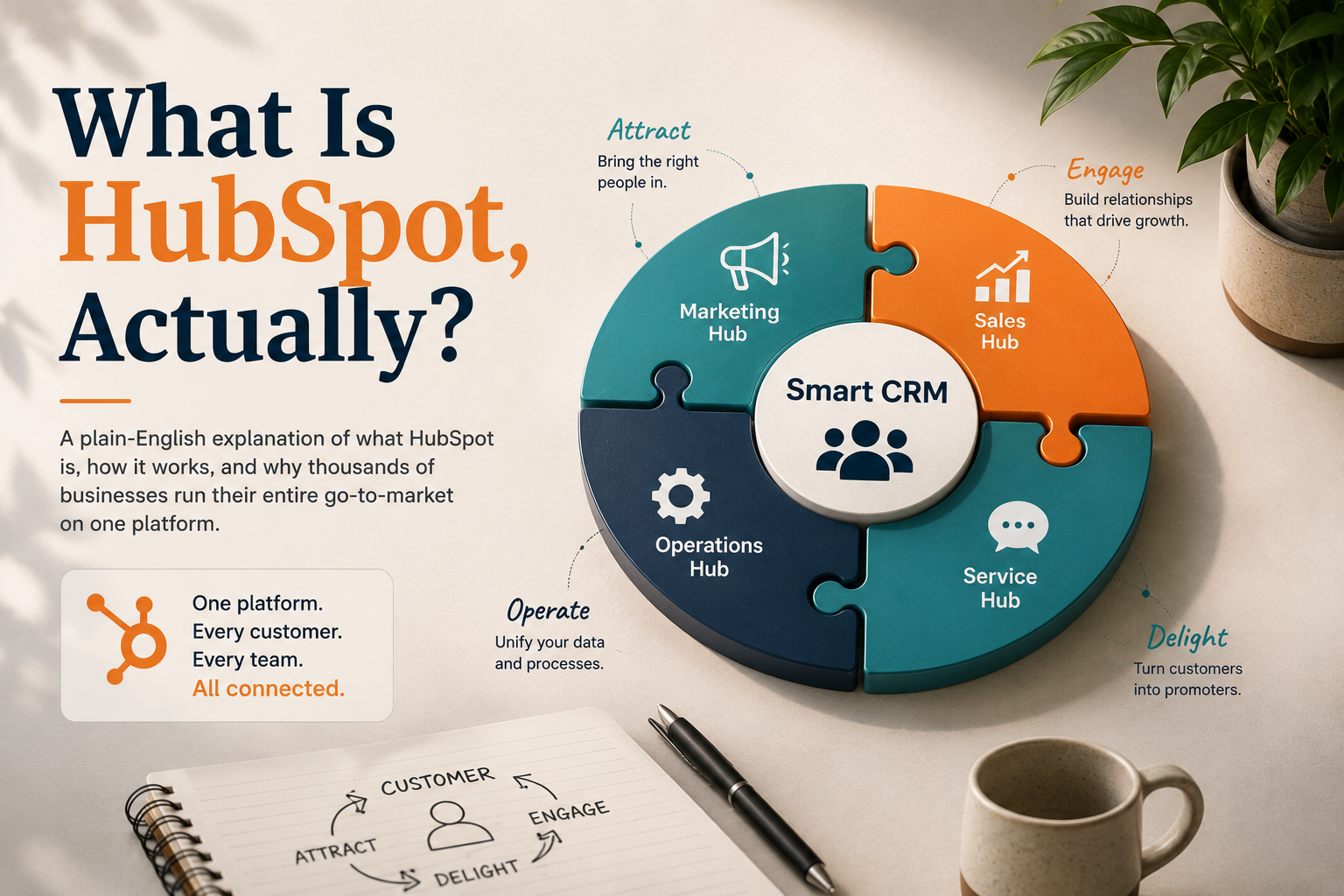
If that's where you're at, that's exactly what we help sort out. See Revenue Operations for how we approach the CRM foundation itself, or What Is HubSpot, Actually? if you're earlier in the process and still trying to understand what the platform even does. If you want to see how HubSpot's own performance claims hold up against this same "foundation matters more than software" argument, that's the subject of What HubSpot's Own ROI Numbers Actually Say.
Sources: HubSpot Knowledge Base — CRM, Nucleus Research CRM ROI analysis, Salesforce State of Sales