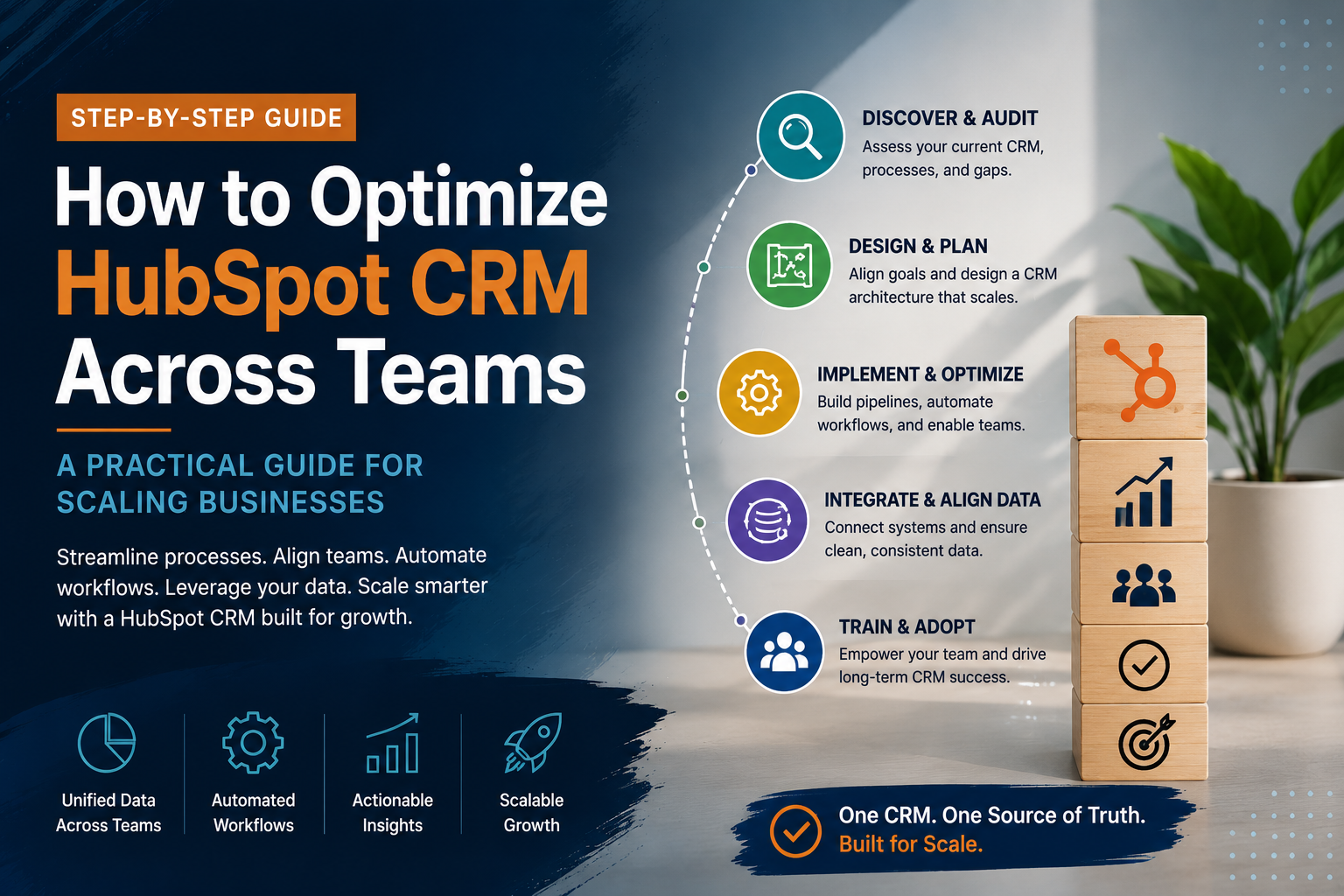
"HubSpot" gets used to mean a lot of different things. Some people think of it as an email tool. Some think of it as "the CRM." Some think of it as a catch-all for marketing software. All of those are partially true, which is exactly what makes it confusing if you haven't spent real time inside it.
Here's the plain-English version, from someone who works inside HubSpot accounts every week — what it actually is, why it's built the way it's built, and what tends to separate the businesses that get real value out of it from the ones that don't.
The Short Answer
At the center of HubSpot is something called the Smart CRM — one shared record of every contact, company, and deal your business touches. Everything else HubSpot sells is built on top of that shared record, and feeds data back into it. That's the actual product. The rest are tools layered on top of one database, not six separate pieces of software that happen to share a login.
This matters more than it sounds like it should. Most businesses don't start with one system — they start with a spreadsheet for leads, a separate tool for email, another for support tickets, and a habit of copying information between all of them by hand. HubSpot's pitch, boiled down, is that all of that can live in one place, referencing the same underlying records, instead of three or four tools quietly drifting out of sync with each other.
Why Businesses Actually Choose HubSpot
Strip away the marketing language and there are really five reasons this platform keeps showing up as the default choice for growing businesses, rather than a pile of point solutions stitched together.
It's genuinely an all-in-one platform. Marketing, sales, service, and operations can all run from the same system, referencing the same contact and company records. That's a meaningfully different experience than logging into an email tool, a separate CRM, a separate help desk, and a separate reporting dashboard, hoping the data lines up between them. When a support rep opens a ticket, they can see the deal that closed, the emails that were sent, and the pages that contact visited before they ever became a customer — without asking anyone else on the team.
It's built to be usable without a technical team behind it. A lot of enterprise CRM and marketing software assumes you have a dedicated admin, or a consultant on retainer just to keep the lights on. HubSpot's interface is designed so a marketer, a salesperson, or a support lead can configure their own workflows, build their own reports, and manage their own properties without waiting on IT. That doesn't mean technical expertise never matters — architecture decisions still benefit from someone who's done it before — but day-to-day usage doesn't require a developer.
It scales with you instead of forcing an all-or-nothing decision. You don't have to buy the most expensive tier to get value on day one. A lot of real functionality lives in the free CRM tools and the entry-level tiers. As your team's needs get more sophisticated — more complex automation, more advanced reporting, more nuanced permissions — you move up a tier rather than switching platforms entirely. That's a very different experience than outgrowing a piece of software and having to migrate everything to something new.
The reporting is actually usable. Because marketing, sales, and service activity all live against the same contact and deal records, the analytics can show you the full picture — not just "how many emails did we send" but "which campaigns actually turned into revenue," "where are deals getting stuck," and "which support issues are costing us renewals." Most standalone tools can only report on their own slice of the picture.
It plugs into what you're already running. Very few businesses adopt HubSpot as their very first piece of software. Most already have accounting tools, e-commerce platforms, scheduling tools, or a legacy CRM they're migrating away from. HubSpot's integration ecosystem — native connectors plus a documented API — is built with the assumption that it needs to talk to the rest of your stack, not replace all of it overnight.
Those five things are the actual case for HubSpot. Notice that none of them are "it has more features than the alternative." Feature-for-feature, a lot of individual tools out there can match or beat a specific piece of what HubSpot does. The advantage is architectural: one record, one system of truth, one place your whole revenue team works from.
The Philosophy Underneath It: Inbound
HubSpot was built around something called the Inbound Methodology, and it's worth understanding because it explains a lot of the platform's design decisions, not just its marketing copy.
The short version: instead of interrupting people with outbound pitches, you attract them by being genuinely useful — content, tools, and experiences that solve a real problem — then engage them in a way that respects where they are in the decision, and delight them enough after the sale that they become a source of referrals and repeat business themselves.
Attract, engage, delight. It's a simple framework, and it shows up directly in how the platform is organized: Marketing Hub is built for the attract stage, Sales Hub for engage, Service Hub for delight, all sharing the same underlying customer record so nothing gets lost in the handoffs between them.
This is also why HubSpot invests so heavily in educational content of its own — HubSpot's Knowledge Base and its blog aren't an afterthought, they're the same philosophy applied to the company itself. It's a useful lens for evaluating your own use of the platform, too: if a workflow, an email sequence, or a piece of content isn't attracting, engaging, or delighting someone, it's worth asking what it's actually for.
The Hubs, In More Detail
As of 2026, HubSpot organizes its tools into six purchasable "Hubs," plus an AI layer that runs across all of them. Here's what each one actually covers, not just the one-line summary.
Marketing Hub handles the attract-and-convert side of the business: email marketing and automation, landing pages and forms, SEO tooling, social media scheduling, and increasingly, AI-assisted content generation. The workflows engine is the backbone here — it's what lets a form submission automatically trigger a nurture sequence, update a lifecycle stage, and notify a rep, all without anyone touching it manually.
Sales Hub is where the deal-management side lives: pipeline configuration, email tracking and templates, sequences, meeting scheduling, call tracking, quote generation, and forecasting. For a lot of sales teams, the value isn't any single feature — it's that a rep can see every touchpoint a prospect has had with the company, in one place, before they ever pick up the phone.
Service Hub covers post-sale support: ticketing, live chat and chatbots, a searchable knowledge base for self-service, customer feedback surveys (NPS and CES), and service-specific reporting. Because it shares the same contact record as Marketing and Sales, a support rep isn't starting from zero — they can see what was promised during the sales process and what content the customer engaged with before they ever became a customer.
Content Hub is the website and content layer — HubSpot's CMS, blogging tools, and content strategy features, built to work natively with the CRM data rather than as a bolted-on plugin.
Data Hub is the newer name for what used to be Operations Hub: data sync between HubSpot and your other systems, automated data quality tooling, and cross-Hub reporting. This is where a lot of the "keeping everything clean" work actually happens under the hood.
Commerce Hub handles payments, invoicing, and quotes directly inside the CRM, so a deal can move from proposal to paid without exporting anything to a separate billing system.
Breeze is HubSpot's AI layer, threaded through the other Hubs rather than sold as a standalone product — things like AI-assisted content drafting, predictive lead scoring, and conversational tools built on top of the same CRM data everything else uses.
You don't need all six. Most businesses use two or three, and a lot of the real value in HubSpot doesn't require a paid Hub at all — the free CRM tools alone cover more ground than people expect, especially for a business still figuring out exactly what it needs.
What Actually Makes It Different
The thing that separates HubSpot from a pile of disconnected tools isn't any single feature — most of what's in each Hub, you can find somewhere else, often cheaper. What's different is that a contact record, a company record, and a deal record are the same object everywhere. Marketing sees the same data sales sees. Sales sees the same data service sees. When that's actually true, a lot of the coordination problems that plague growing companies — marketing and sales disagreeing on what counts as a "lead," service having no visibility into what sales promised, leadership getting three different numbers for the same metric depending on who ran the report — just don't have anywhere to hide.
When it's not true — when the CRM was set up quickly, or grew organically without anyone architecting it — you end up with three teams technically using "one platform" while actually working off three different versions of the truth. That's a setup problem, not a HubSpot problem, and it's one of the most common things we see when we're brought in to look at an existing account.
By the Numbers
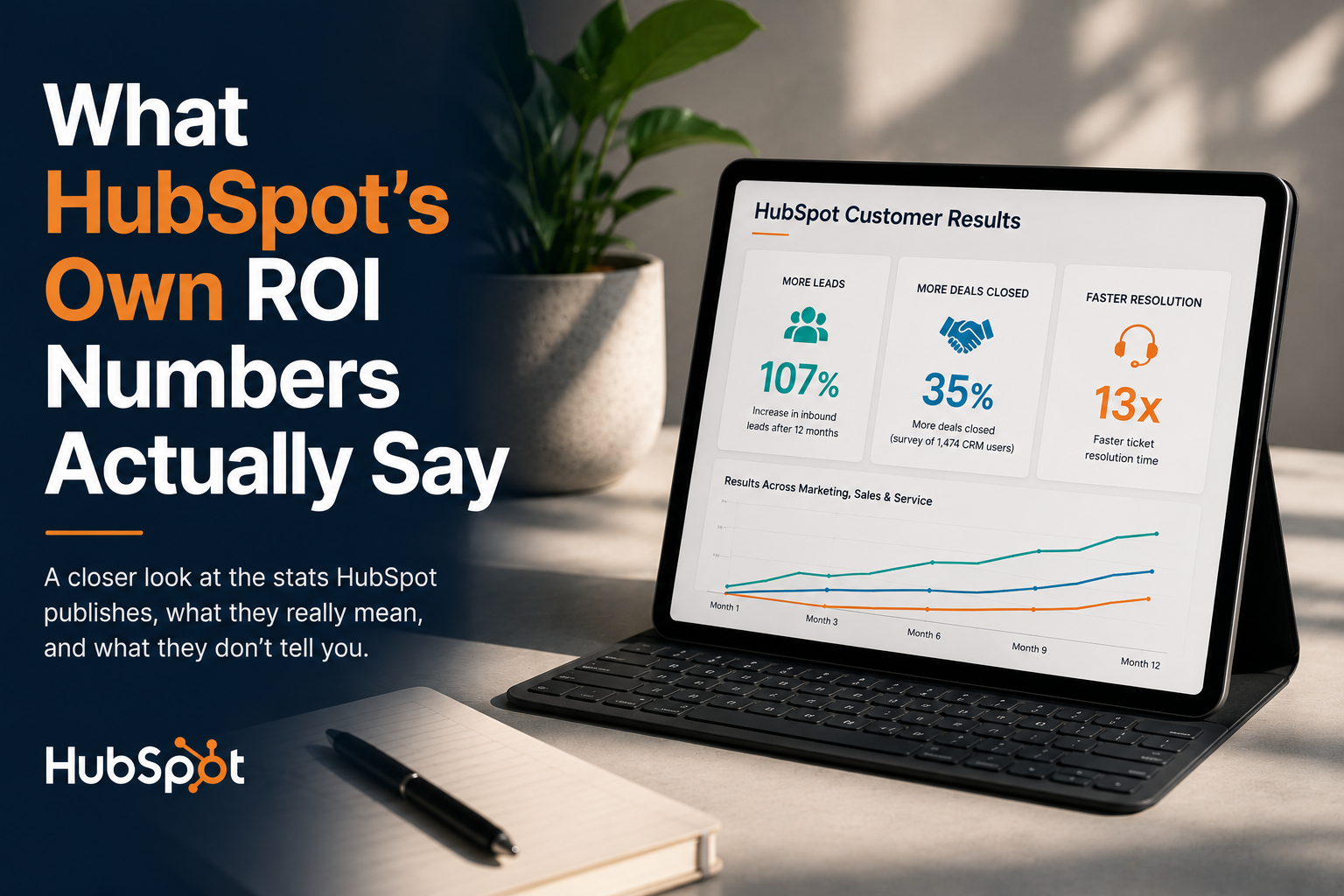
HubSpot publishes an annual ROI report surveying its own customer base, and the headline figures are worth knowing even before you buy: customers report generating 107% more leads and closing 35% more deals, on average, alongside a 28% increase in ticket resolution rate. Those numbers are real, but they're also averages across an enormous, wildly diverse customer base — we break down exactly what they do and don't tell you about your specific business in What HubSpot's Own ROI Numbers Actually Say.
The Part Nobody Tells You Before You Buy
Buying a bigger Hub, or a bigger tier, doesn't fix a CRM that wasn't built right in the first place. It just gives a shaky foundation more expensive tools to sit on top of. The businesses that get the most out of HubSpot are the ones who treat the CRM itself — the data model, the lifecycle stages, the pipeline — as the actual product to get right, and treat the Hubs as what they are: execution tools built on top of that foundation.
If you want the fuller argument for why that foundation matters more than which tier you buy, that's the entire subject of What Is a CRM, Actually? — worth reading before you make a purchasing decision, not after.
If you're trying to figure out which Hubs your business actually needs, or you're already on HubSpot and it doesn't feel like it's working the way it's supposed to, that's exactly what we help sort out. See HubSpot Implementation for the hands-on build, or Revenue Operations if the deeper issue is the system underneath.
Sources: HubSpot Knowledge Base, HubSpot Marketing Hub overview, HubSpot 2024 Annual ROI Report
.png)